WebP vs PNG vs JPG: Which Image Format Should You Use in 2026?
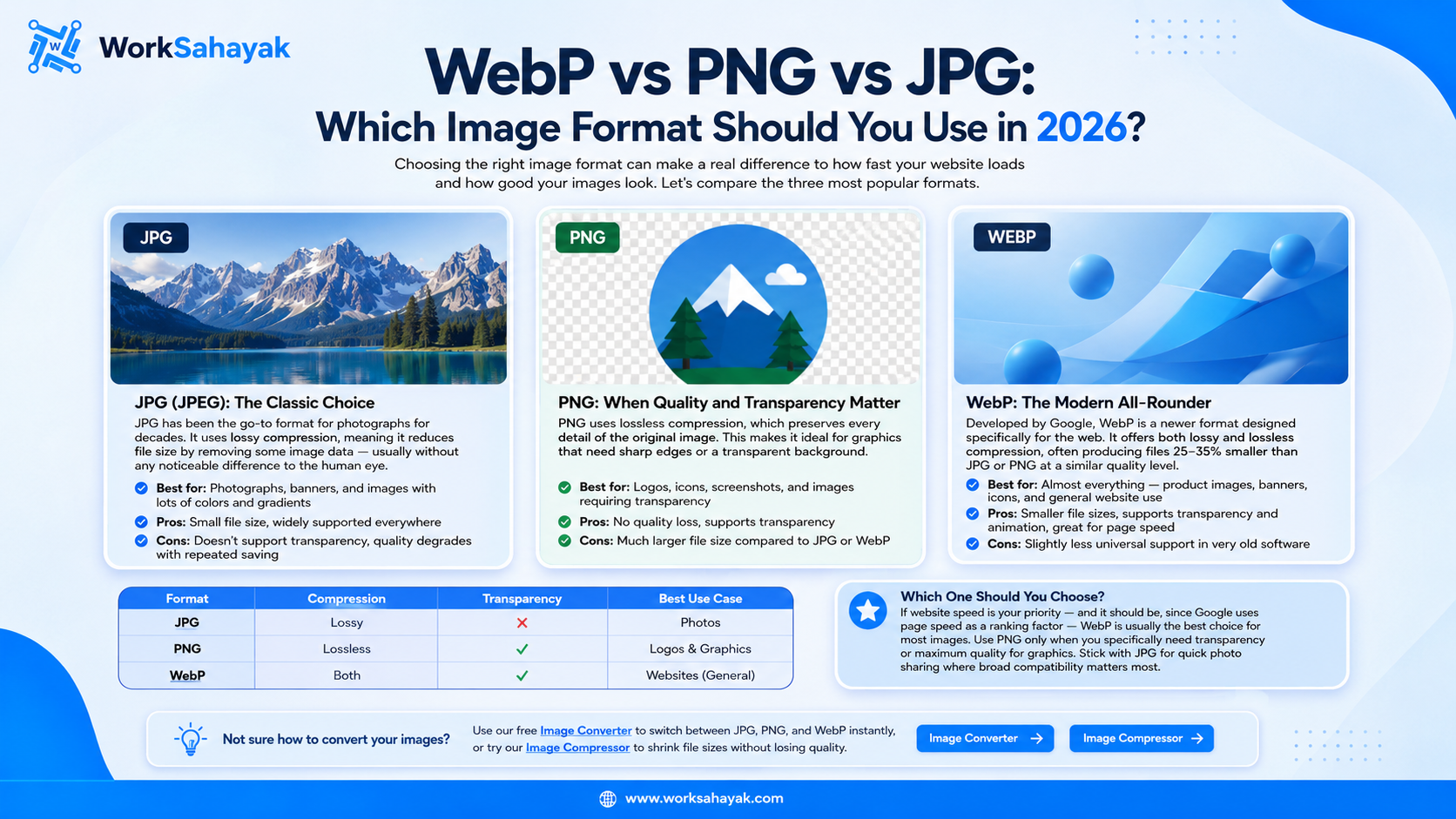
Confused between WebP, PNG, and JPG? Here's a simple breakdown of when to use each image format for the best balance of quality, file size, and website speed.
Choosing the right image format can make a real difference to how fast your website loads and how good your images look. With so many formats available today, it's easy to get confused about which one to use. Let's break down the three most common formats — WebP, PNG, and JPG — so you can make the right choice for your next project.
JPG (JPEG): The Classic Choice
JPG has been the go-to format for photographs for decades. It uses lossy compression, meaning it reduces file size by removing some image data — usually without any noticeable difference to the human eye.
- Best for: Photographs, banners, and images with lots of colors and gradients
- Pros: Small file size, widely supported everywhere
- Cons: Doesn't support transparency, quality degrades with repeated saving
PNG: When Quality and Transparency Matter
PNG uses lossless compression, which preserves every detail of the original image. This makes it ideal for graphics that need sharp edges or a transparent background.
- Best for: Logos, icons, screenshots, and images requiring transparency
- Pros: No quality loss, supports transparency
- Cons: Much larger file size compared to JPG or WebP
WebP: The Modern All-Rounder
Developed by Google, WebP is a newer format designed specifically for the web. It offers both lossy and lossless compression, often producing files 25-35% smaller than JPG or PNG at a similar quality level.
- Best for: Almost everything — product images, banners, icons, and general website use
- Pros: Smaller file sizes, supports transparency and animation, great for page speed
- Cons: Slightly less universal support in very old software
Quick Comparison Table
| Format | Compression | Transparency | Best Use Case |
|---|---|---|---|
| JPG | Lossy | No | Photos |
| PNG | Lossless | Yes | Logos & Graphics |
| WebP | Both | Yes | Websites (General) |
Which One Should You Choose?
If website speed is your priority — and it should be, since Google uses page speed as a ranking factor — WebP is usually the best choice for most images. Use PNG only when you specifically need transparency or maximum quality for graphics. Stick with JPG for quick photo sharing where broad compatibility matters most.
Not sure how to convert your images? You can use our free Image Converter to switch between JPG, PNG, and WebP instantly, or try our Image Compressor to shrink file sizes without losing quality.
About Worksahayak Team
We build fast, privacy-first utilities for everyday image and document workflows — free for everyone to use.
Learn more about us