Why Image Compression Is Important for Every Website in 2026
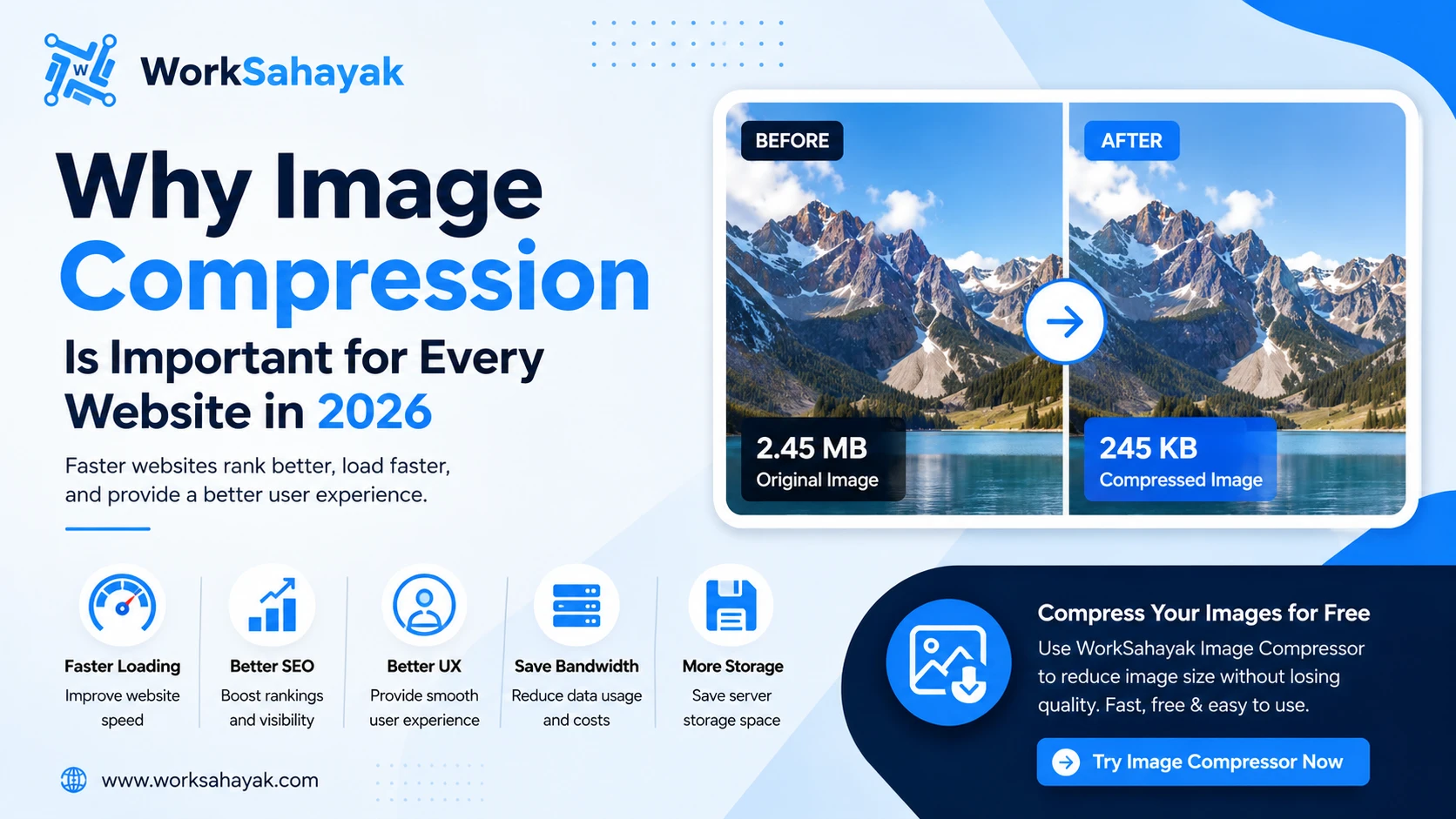
Website speed has become one of the biggest ranking factors for search engines and user experience. Whether you run a blog, eCommerce store, portfolio, or business website, large image files can significantly slow down your pages.
Image compression helps reduce file size without noticeably affecting image quality. This simple optimization improves loading speed, saves bandwidth, and provides a better experience for your visitors.
What Is Image Compression?
Image compression is the process of reducing an image's file size while maintaining acceptable visual quality.
There are two main types:
- Lossy Compression – Smaller file size with slight quality reduction.
- Lossless Compression – Preserves original quality while reducing file size.
Both methods help improve website performance depending on your needs.
Benefits of Image Compression
1. Faster Website Loading
Large images are one of the main reasons websites load slowly.
Compressed images load much faster, reducing waiting time for users.
2. Better SEO Rankings
Google considers page speed as an important ranking signal.
Optimized images improve Core Web Vitals and help search engines crawl your website more efficiently.
3. Improved User Experience
Visitors expect websites to load within a few seconds.
Fast-loading pages increase engagement and reduce bounce rates.
4. Lower Bandwidth Usage
Compressed images consume less bandwidth, making your website cheaper to host and faster for mobile users.
5. More Storage Space
Smaller images require less server storage, allowing you to host more files without increasing storage costs.
Best Image Formats
| Format | Best For |
|---|---|
| JPEG | Photos |
| PNG | Transparent Images |
| WebP | Modern Websites |
| AVIF | Maximum Compression |
| GIF | Animations |
Tips for Better Image Optimization
- Resize images before uploading.
- Compress every image.
- Use WebP whenever possible.
- Add descriptive file names.
- Write proper alt text.
- Enable lazy loading.
Compress Your Images for Free
With Worksahayak Image Compressor, you can:
- Compress JPG
- Compress PNG
- Compress WebP
- Reduce image size without noticeable quality loss
- Process multiple images quickly
- Download optimized images instantly
No registration required.
Final Thoughts
Image compression is one of the easiest ways to improve website performance, user experience, and search engine rankings. Whether you're a blogger, developer, photographer, or business owner, optimizing your images should always be part of your workflow.
Start compressing your images today and enjoy a faster, more efficient website.
About Worksahayak Team
We build fast, privacy-first utilities for everyday image and document workflows — free for everyone to use.
Learn more about us