Why Image Compression Matters in 2026: Improve Website Speed Without Losing Quality
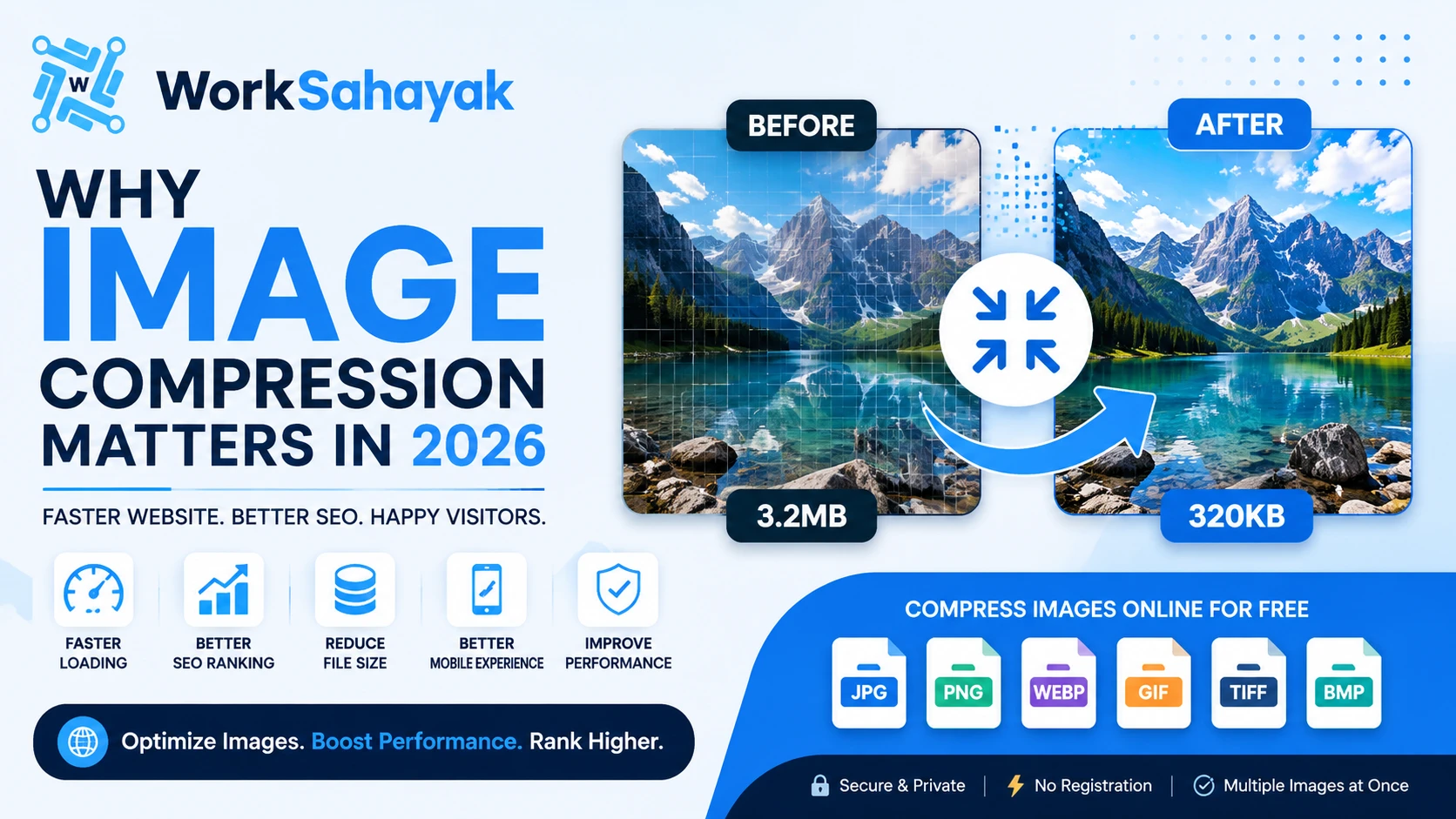
Images play a crucial role in making websites, blogs, online stores, and social media posts visually appealing. However, large image files can significantly slow down your website, consume more storage, and negatively impact search engine rankings. If you want a faster website without compromising image quality, image compression is the perfect solution.
Whether you're a blogger, business owner, designer, or developer, compressing your images before uploading them can significantly improve your website's performance.
What Is Image Compression?
Image compression is the process of reducing an image's file size while maintaining its visual quality. A compressed image loads faster, uses less storage space, and consumes less bandwidth.
There are two main types of image compression:
- Lossy Compression: Reduces file size by removing some image data. Perfect for photos where a slight quality reduction is acceptable.
- Lossless Compression: Keeps all image data while still reducing file size. Best for graphics, logos, and transparent images.
Benefits of Compressing Images
1. Faster Website Loading
Large images slow down websites. Compressing images helps pages load much faster, improving the user experience on both desktop and mobile devices.
2. Better SEO Rankings
Google considers page speed an important ranking factor. Optimized images help improve Core Web Vitals and increase your chances of ranking higher in search results.
3. Reduced Storage Usage
Smaller images require less server storage, making website management easier and reducing hosting costs.
4. Improved Mobile Experience
Many visitors browse websites using mobile devices. Compressed images load quickly even on slower internet connections.
5. Faster File Sharing
Smaller image files are easier to upload, download, email, or share on social media.
Which Image Format Should You Use?
| Format | Best For |
|---|---|
| JPG | Photographs and everyday images |
| PNG | Logos, icons, and transparent graphics |
| WebP | Excellent balance of quality and file size |
| GIF | Simple animations |
| TIFF | High-quality professional images |
Best Practices for Image Optimization
Before uploading images to your website, follow these simple tips:
- Resize images to the required dimensions.
- Compress images without noticeable quality loss.
- Use descriptive file names.
- Add meaningful ALT text.
- Choose WebP whenever possible.
- Avoid uploading images directly from modern smartphones without optimization.
These practices improve both website speed and image SEO.
Compress Images Online for Free
If you're looking for a fast and simple way to reduce image size, Worksahayak offers a free online Image Compressor.
With Worksahayak you can:
- Compress JPG, PNG, WebP, BMP, GIF, and TIFF images.
- Reduce file size while maintaining image quality.
- Process multiple images at once.
- Download optimized images instantly.
- Use the tool without registration.
The tool works directly in your browser, making it quick, secure, and easy for everyone.
Final Thoughts
Image compression is one of the easiest ways to improve website performance, SEO, and user experience. Even a few seconds of faster loading can increase visitor engagement and reduce bounce rates.
Before uploading your next image, make sure it is properly optimized. A smaller image means a faster website, happier visitors, and better search engine visibility.
About Worksahayak Team
We build fast, privacy-first utilities for everyday image and document workflows — free for everyone to use.
Learn more about us